Raycast capture and create
A Raycast extension that turns a selected region of your screen into a Google Task or a macOS Calendar event.
At a glance
- TypeScript, Raycast
Tags
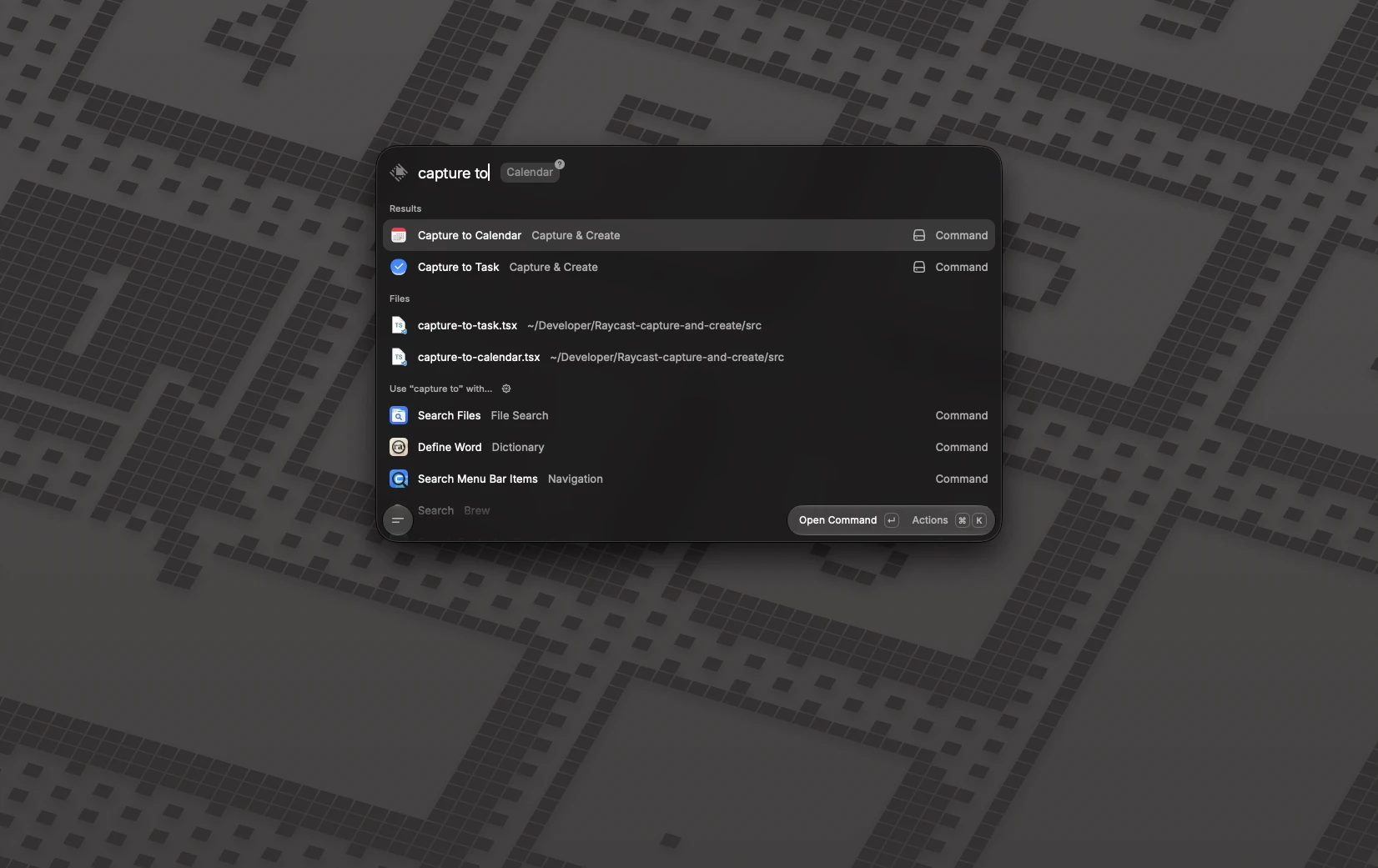
A Raycast extension with two commands: select any region of your screen and it becomes a Google Task (with an inferred title, note and due date) or a macOS Calendar event. The screenshot is interpreted with Claude Vision.
Commands
- Capture to Task: draw a rectangle, and Claude reads it and creates a Google Task with a title, a note on the context and, if one is mentioned, a due date. It needs a Google OAuth client.
- Capture to Calendar: the same capture creates an event in the Calendar app, with any calendar synced to it (iCloud, Google, Exchange), so no extra sign-in is needed. A default calendar is set in the preferences and can be overridden when the command is run.
Both need an Anthropic API key, entered in the extension's preferences.
Privacy and safety
Screenshots are sent to the Anthropic API and deleted from disk right after. Nothing else is stored beyond what Raycast keeps locally for its preferences and sign-in.
A screenshot is untrusted content, and a vision model can be fooled by text hidden in an image. The extension asks Claude to treat everything it sees as content to summarise and never as instructions, limits the length of what it extracts and removes control characters. Event data is handed to AppleScript as arguments, never pasted into the script. Above all, nothing is created without your confirmation, so the dialog is the place to check what was extracted.